Where to Go Next: VBA, Power BI and DAX
Your roadmap after the basics: VBA, Power BI data models and DAX.
- Three roads
- VBA
- Power BI
- DAX
- A safety note
- Recap
Step by step
1. Three roads
You can now build tables, formulas, charts, PivotTables and dashboards. So where do you go from here? Three roads, and a first step on each.
VBA to automate Excel, Power BI to report on big data, and DAX, the formula language behind both Power BI and Excel's Data Model.
2. VBA
Road one, VBA. The macro recorder writes VBA for you. Open the editor with Alt and F11.
Insert a module: Alt, I, M. Type Sub ShowTotal and press Enter. The editor adds the brackets and End Sub.
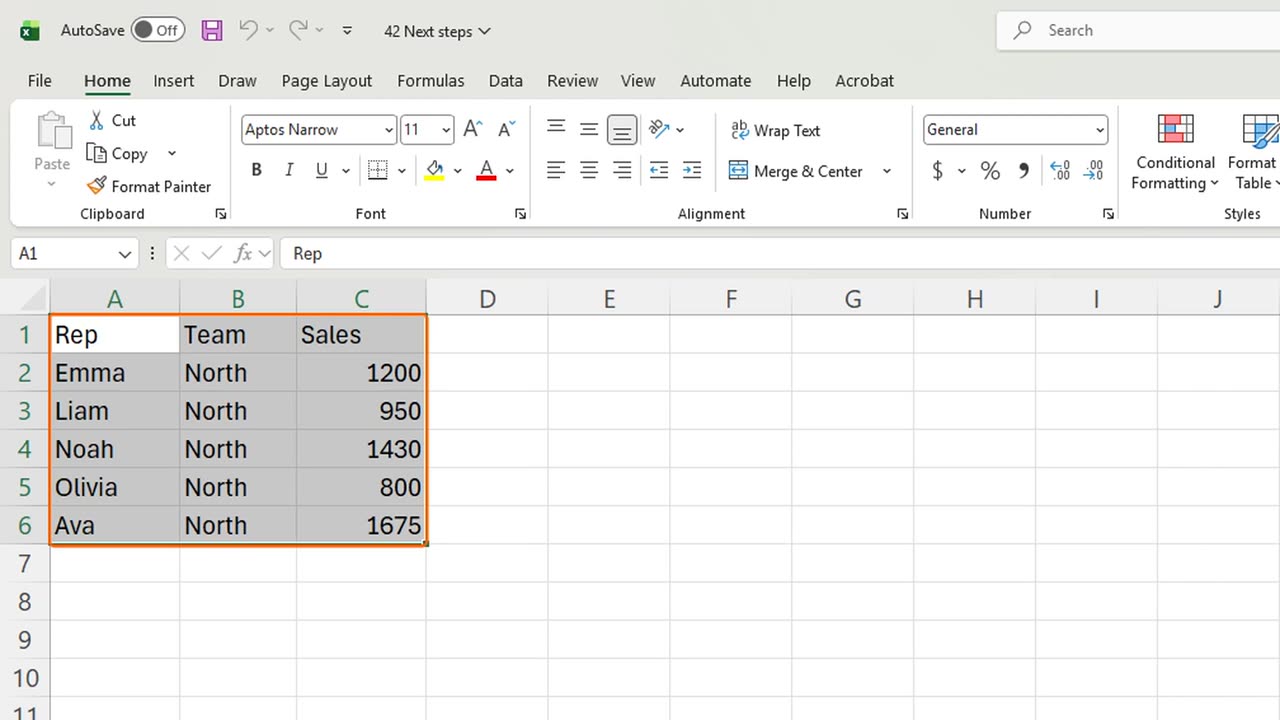
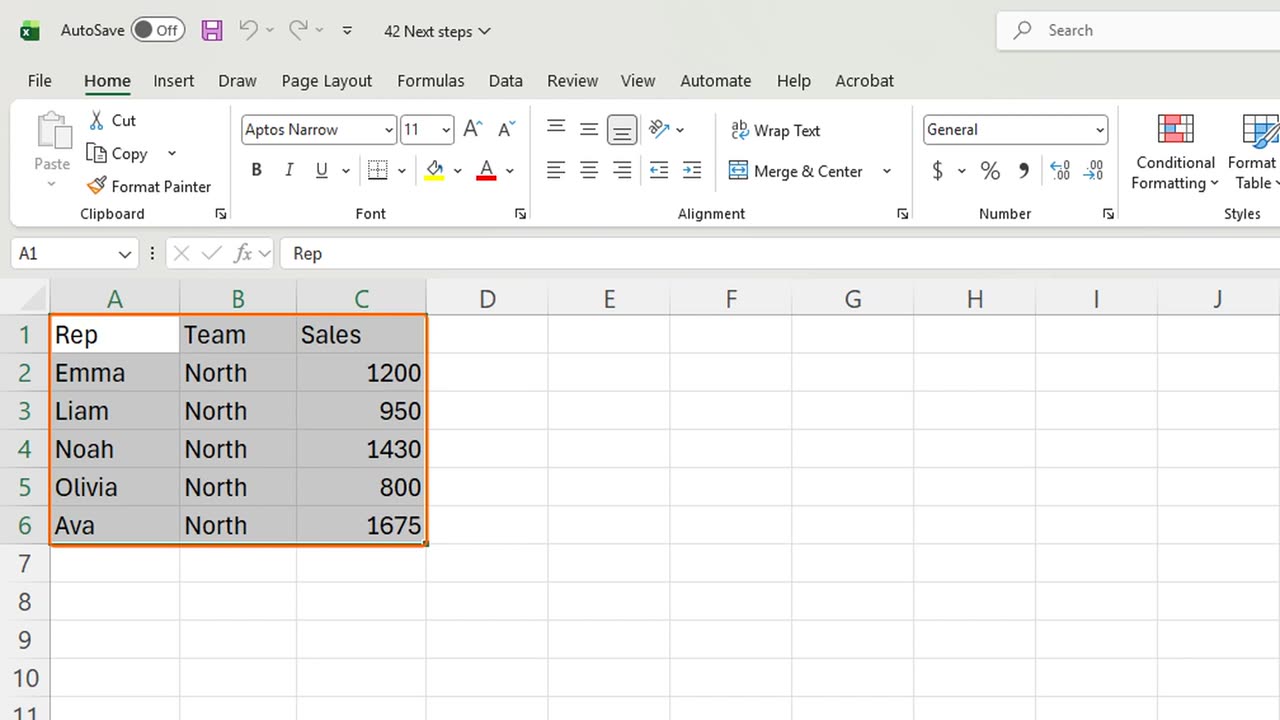
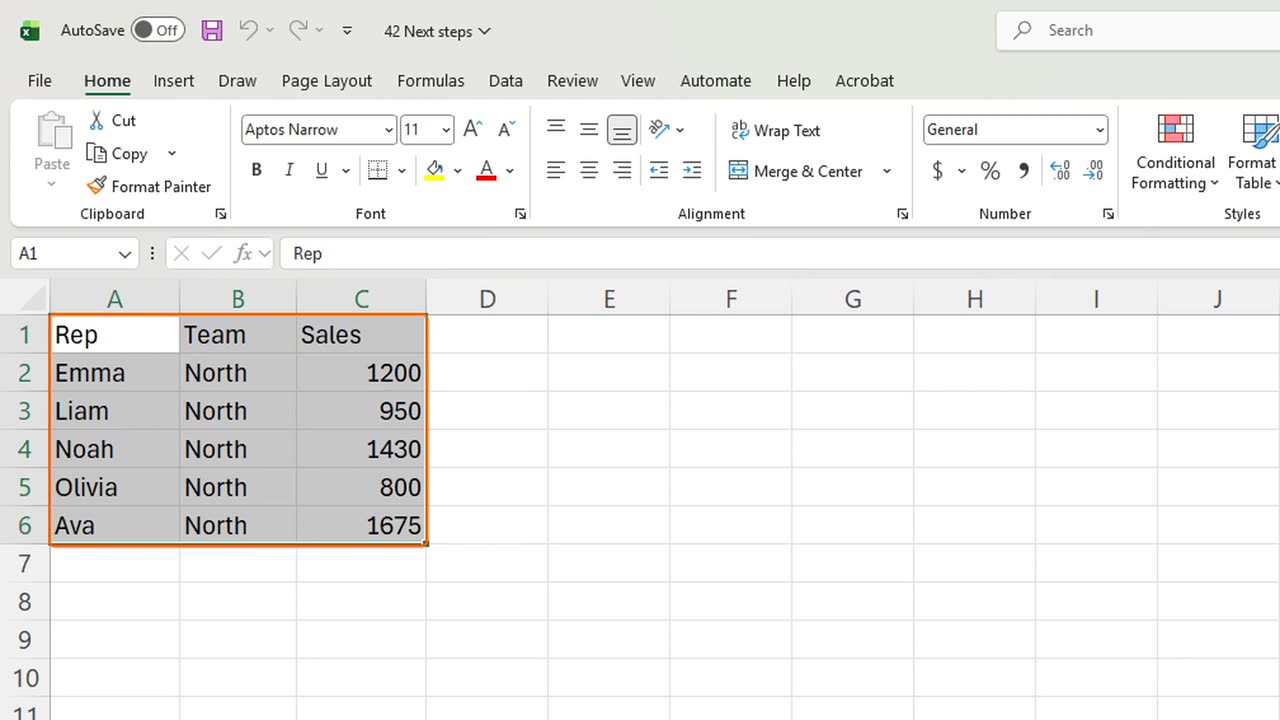
One line inside: MsgBox, quote, Total sales, quote, ampersand, Application dot Sum of Range C2 to C6.
Press F5 to run it. Excel answers with a message box: six thousand fifty-five. Press Enter, and Alt Q closes the editor.
That is VBA: anything you can click, a macro can do, in loops, for every file in a folder, every Monday. Start by recording, then read what it wrote.
Quick pause: if this course helped you, a like on this last lesson really helps the channel. Two roads left.
3. Power BI
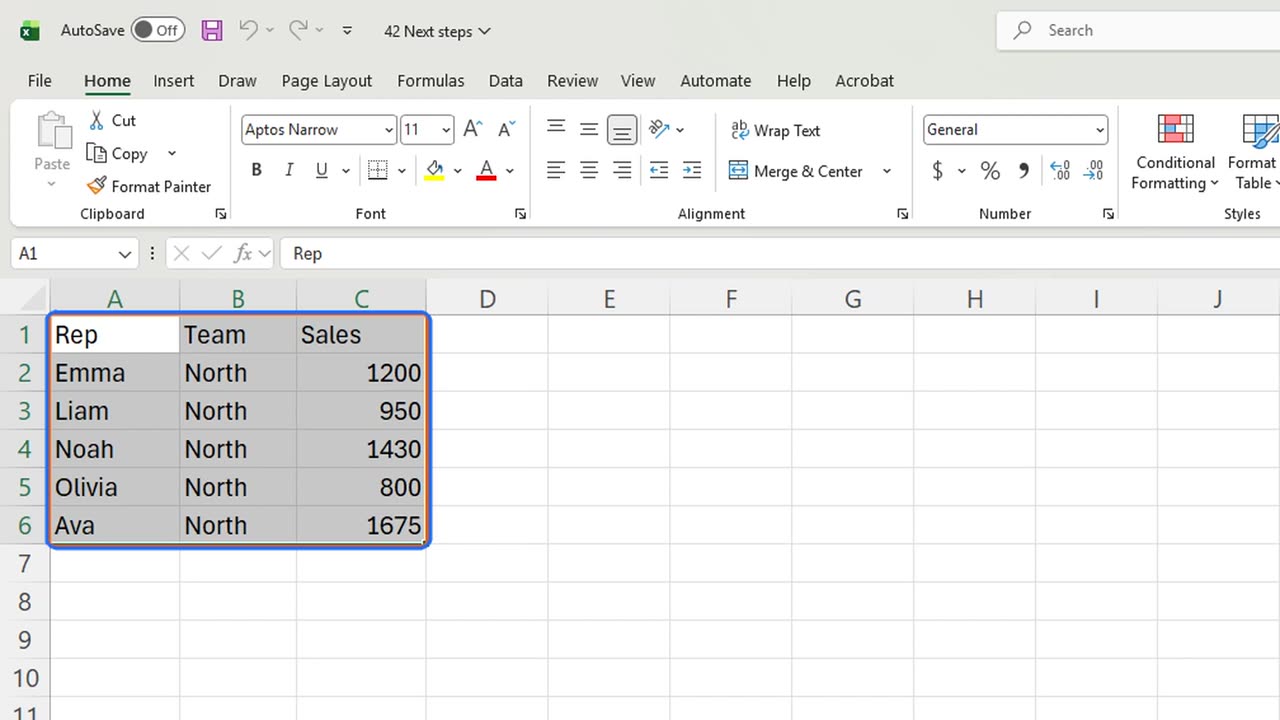
Road two, Power BI. When your data outgrows a sheet, or many people need the same live report, Power BI Desktop is free and uses the same Power Query you already know.
4. DAX
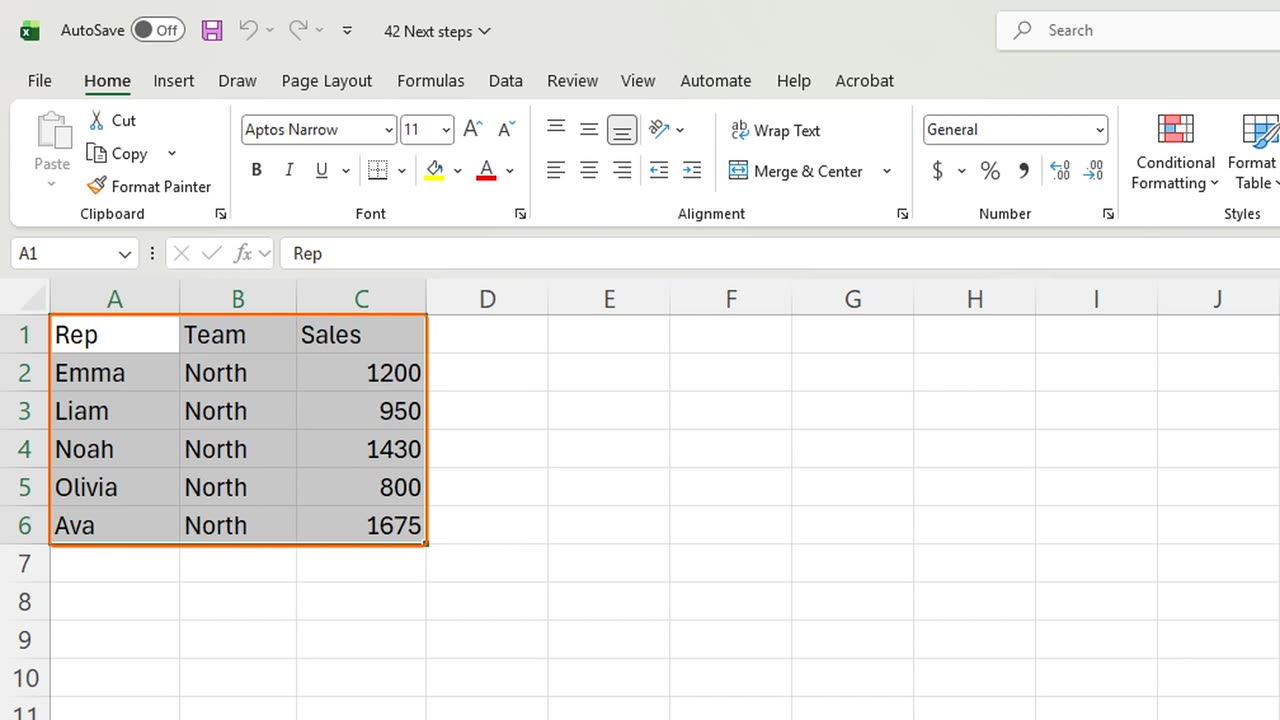
Road three, DAX. A PivotTable sums and counts. DAX measures go further: this year against last year, a running total, a share of the grand total, written once and reused everywhere.
5. A safety note
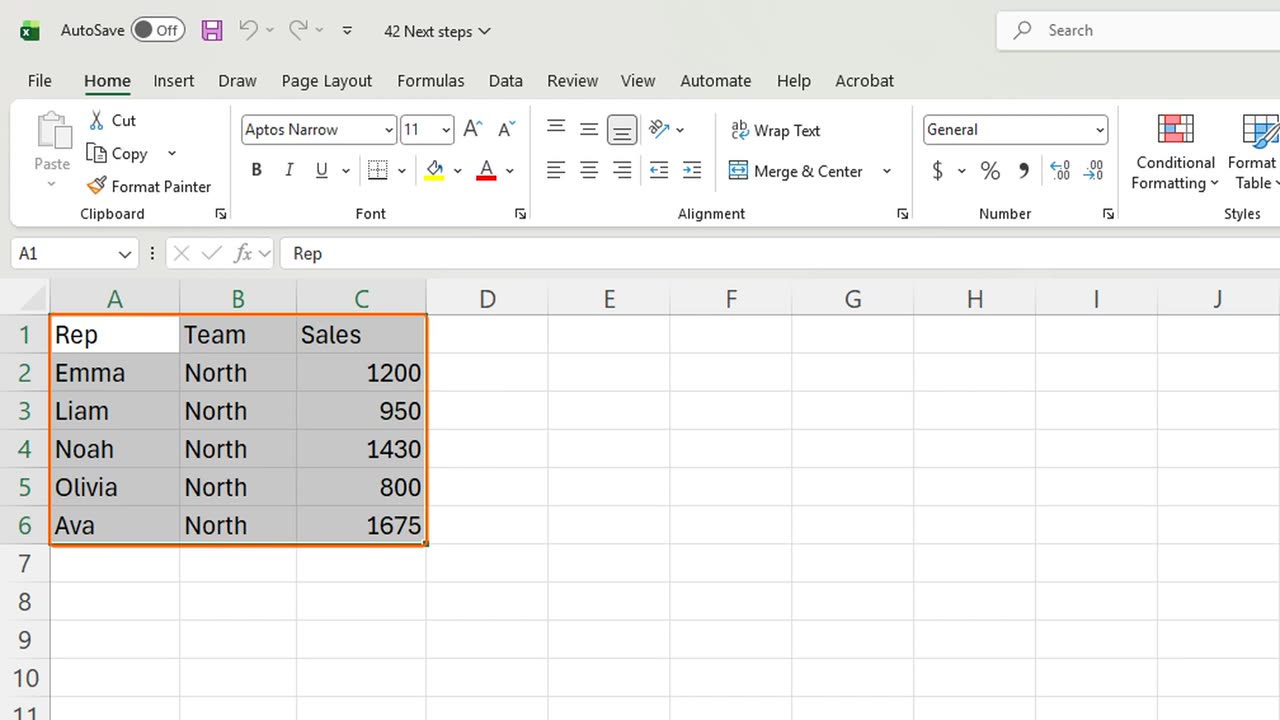
One warning before you download macro files: Windows blocks macros in files from the internet. Only unblock files you trust, in the file's Properties.
6. Recap
Recap: record macros and read their VBA, move big reports to Power BI, and learn DAX for measures. Pick one road and start this week.
That completes the course. Every lesson stays here, and every module is also one long video when you want to review.
Which road will you take next: VBA, Power BI or DAX? Tell me in the comments, and the most requested one becomes the next series.
← Previous tutorial: Excel Macros for Beginners (Record Your First Macro)
Next tutorial: Your First Power BI Report in 2 Minutes (No Data Needed) →