25 Excel Keyboard Shortcuts Every Beginner Should Know
The shortcuts that save the most time.
- Why shortcuts
- Move
- Edit
- Formulas
- Format
- Data
- Rows
- Recap
Step by step
1. Why shortcuts
Twenty-five shortcuts, one small list, about five minutes. Learn these and you will stop reaching for the mouse.
They come in six groups: move, edit, formulas, format, data, and rows.
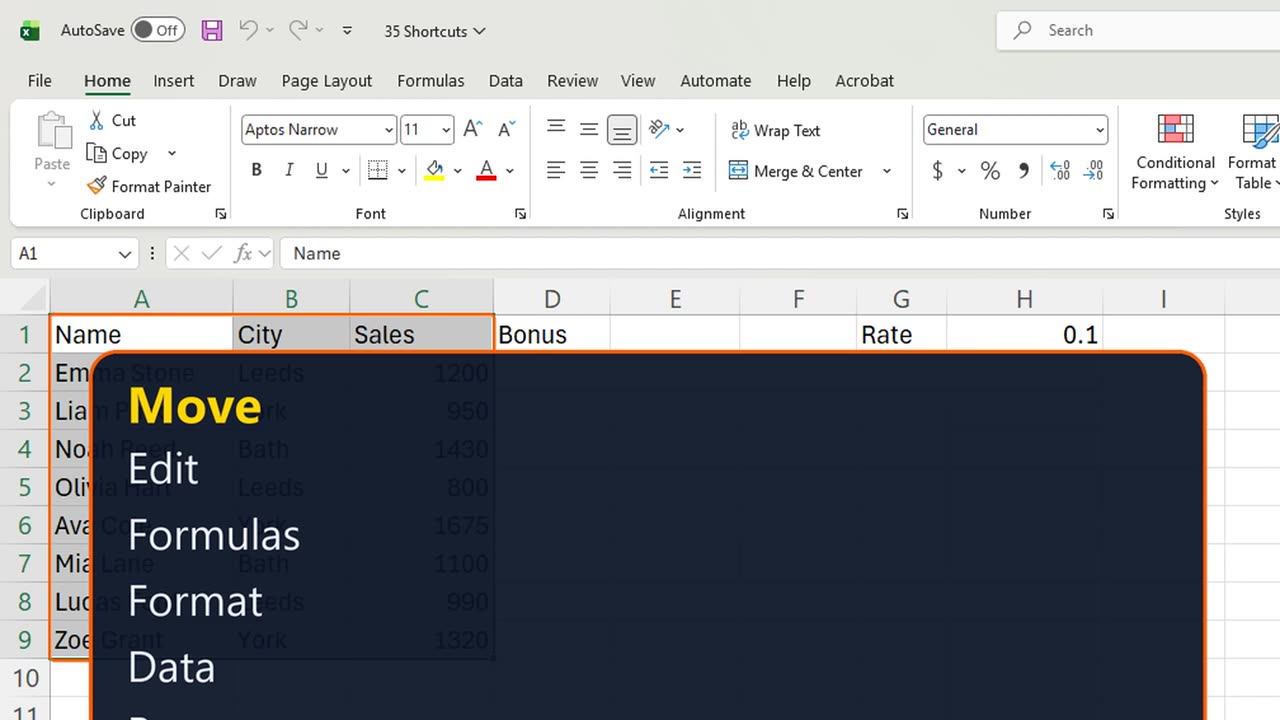
2. Move
One. Control and Down jumps to the last filled cell. Control and Up jumps back.
Two. Add Shift, and it selects on the way: Control, Shift, Down selects the whole column of data.
Three. Control and Home takes you back to A1 from anywhere.
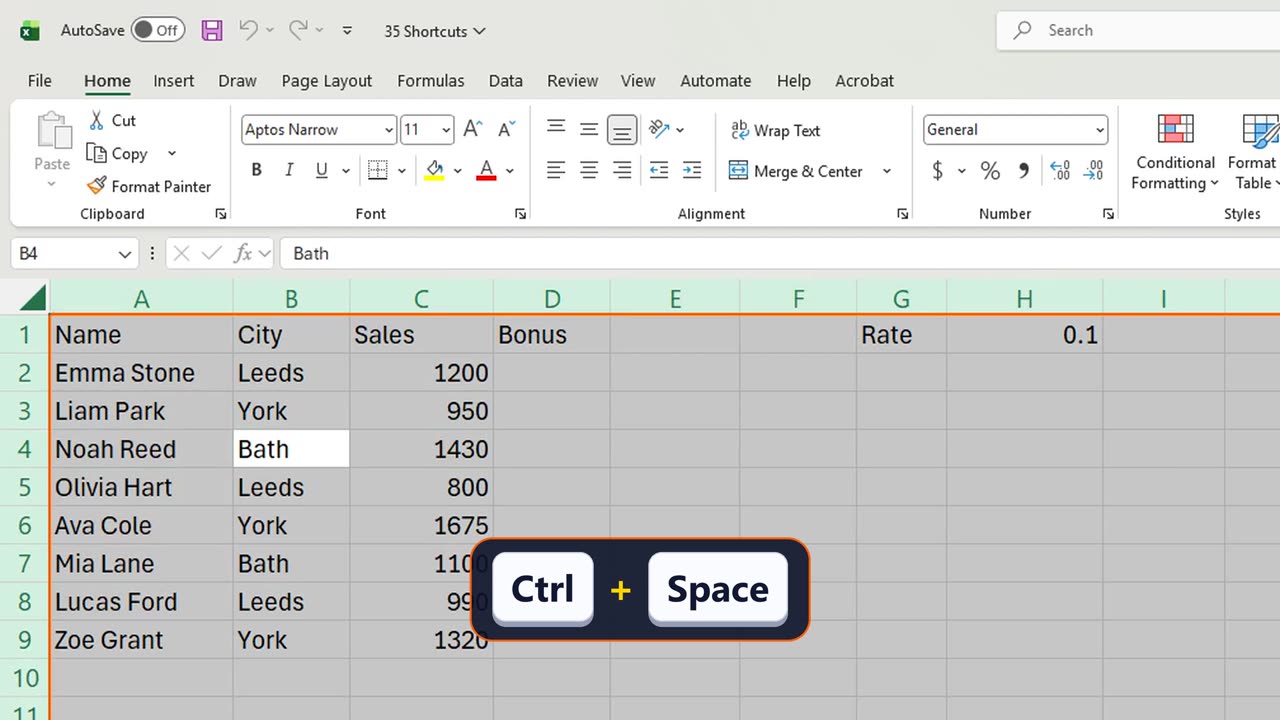
Four and five. Shift and Space selects the row, Control and Space selects the column.
3. Edit
Six. F2 edits the cell without retyping it. Escape leaves it unchanged.
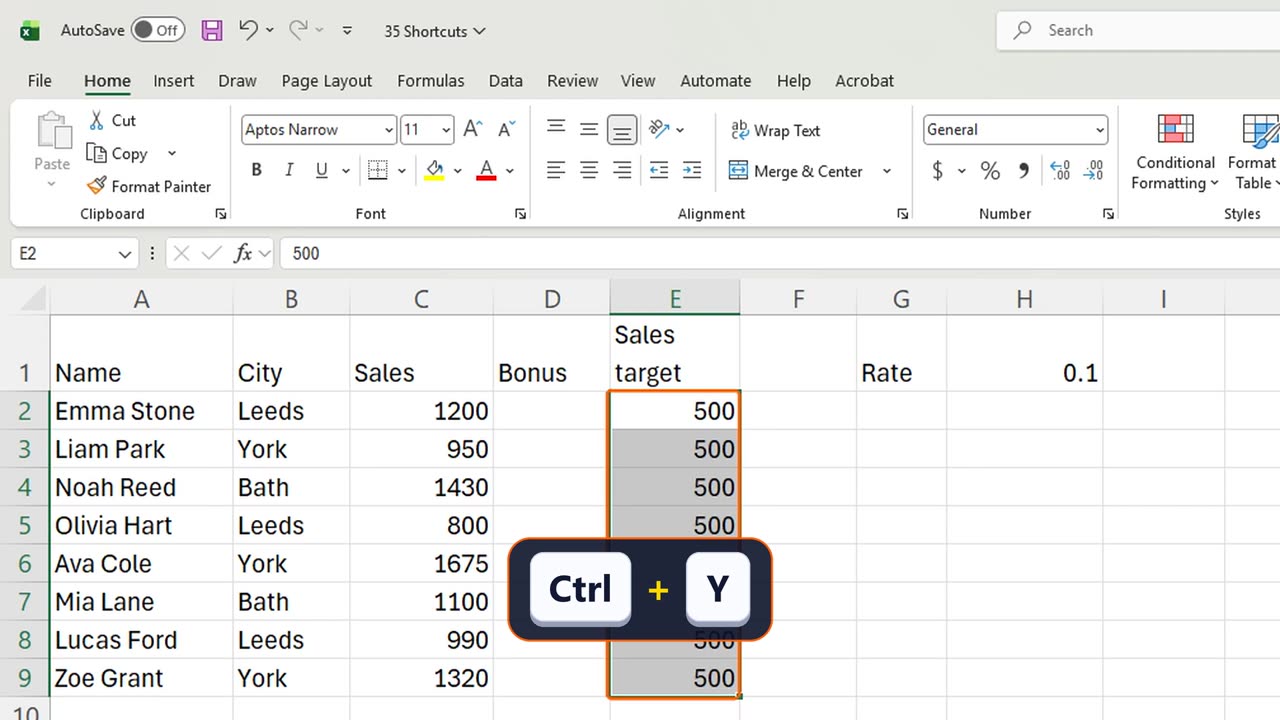
Seven. Control and Enter fills every selected cell at once. Select E2 to E9, type zero, Control Enter.
Eight. Alt and Enter starts a new line inside a cell. In E1 type Sales, Alt Enter, target.
Nine. Control and D copies the top cell down. Type five hundred in E2, select E2 to E9, Control D.
Ten and eleven. Control Z undoes it, Control Y brings it back.
Shortcut: Ctrl + D
4. Formulas
Twelve. Alt and equals writes a SUM for you. Click C10 and press it, then Enter.
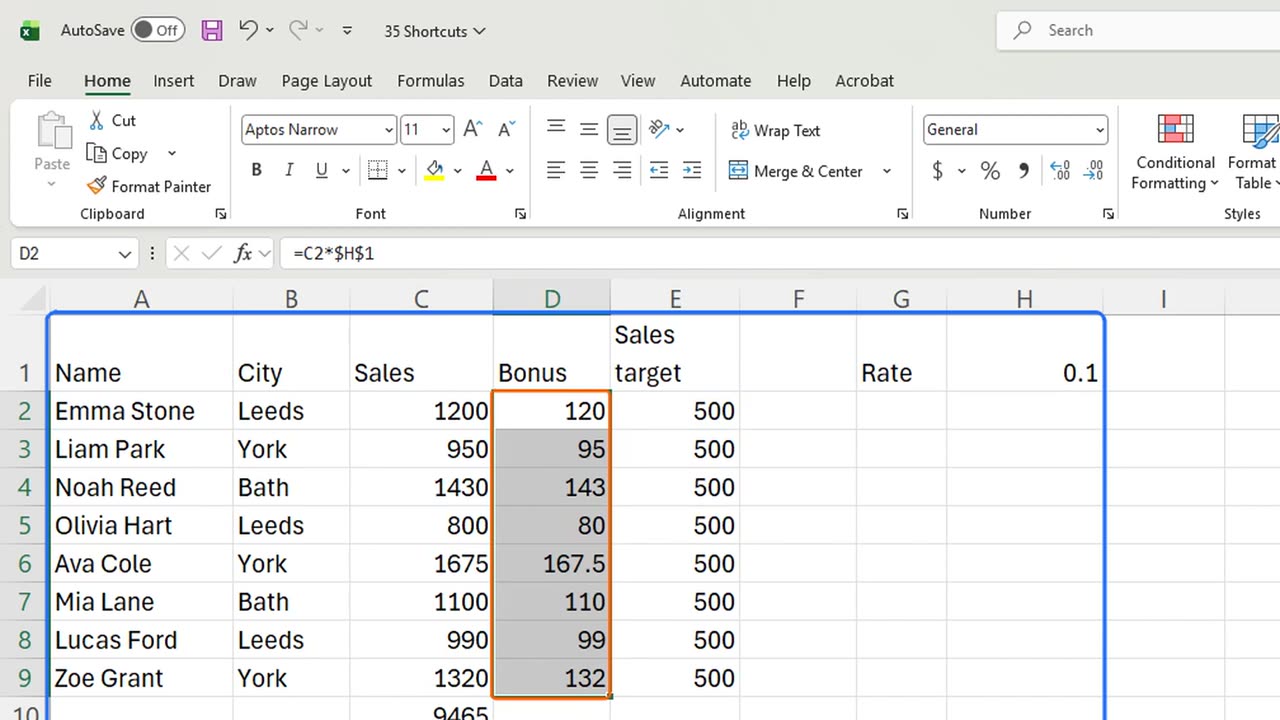
Thirteen. F4 locks a reference. In D2 type equals C2 times H1, press F4 to get dollar signs, and Enter. Then fill down with Control D.
Fourteen. Control and the grave accent shows every formula instead of its result. Press it again to go back.
Quick pause: if you already learned a few new ones, a like really helps the channel. Eleven more to go.
=C2*H1Shortcut: Alt + = F4 Ctrl + D Ctrl + `
5. Format
Fifteen. Control and B makes text bold. Select A1 to F1 and press it.
Sixteen and seventeen. Control Shift 4 shows money, Control Shift 5 shows a percent.
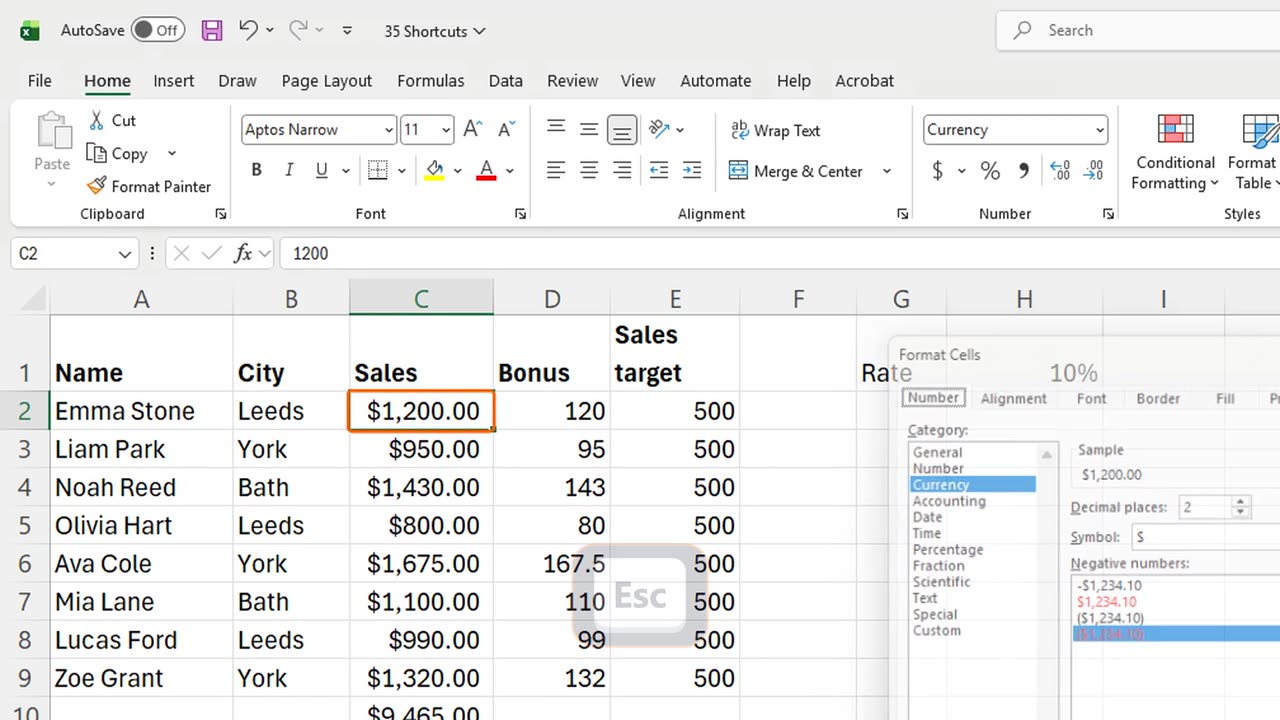
Eighteen. Control and 1 opens Format Cells, every format in one place. Escape closes it.
6. Data
Nineteen. Control and E is Flash Fill. In F1 type First, in F2 type Emma, then in F3 press Control E.
Twenty. Control and semicolon types today's date. Click H3 and press it.
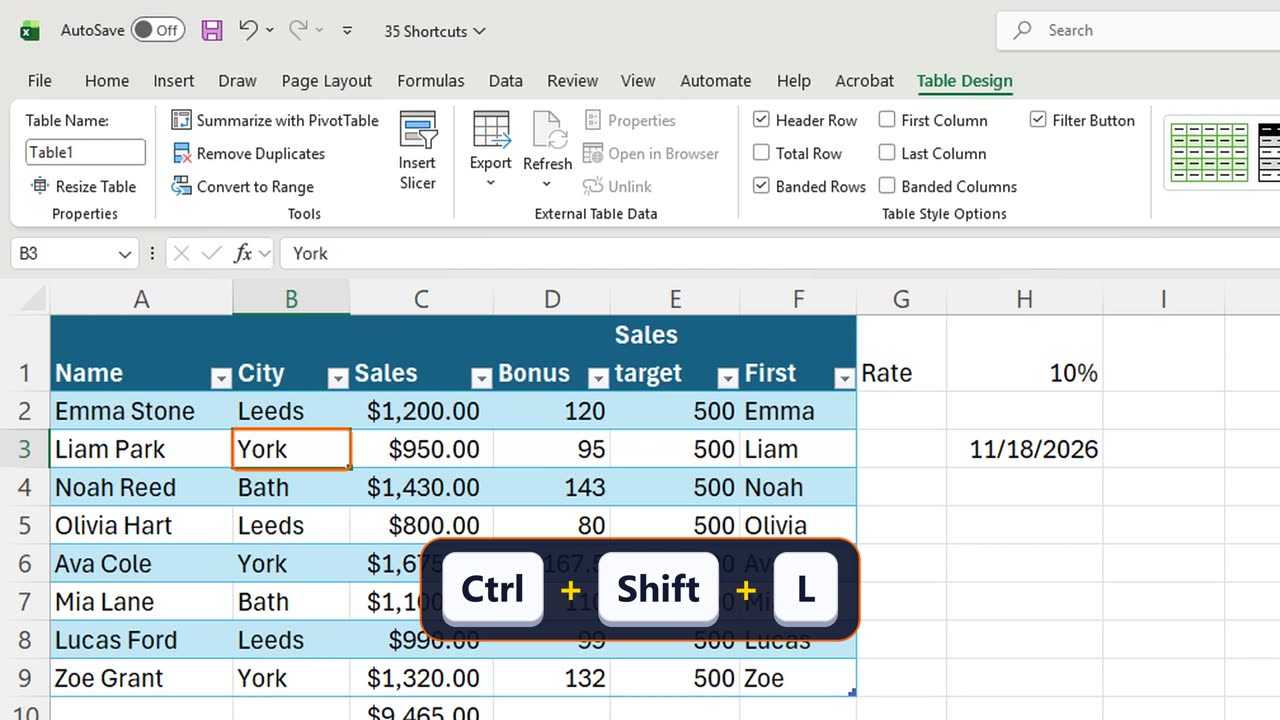
Twenty-one. Control and T makes a Table. Select A1 to F9, press it, and Enter.
Twenty-two. Control Shift L turns the filter buttons off and on.
Shortcut: Ctrl + ; Ctrl + T
7. Rows
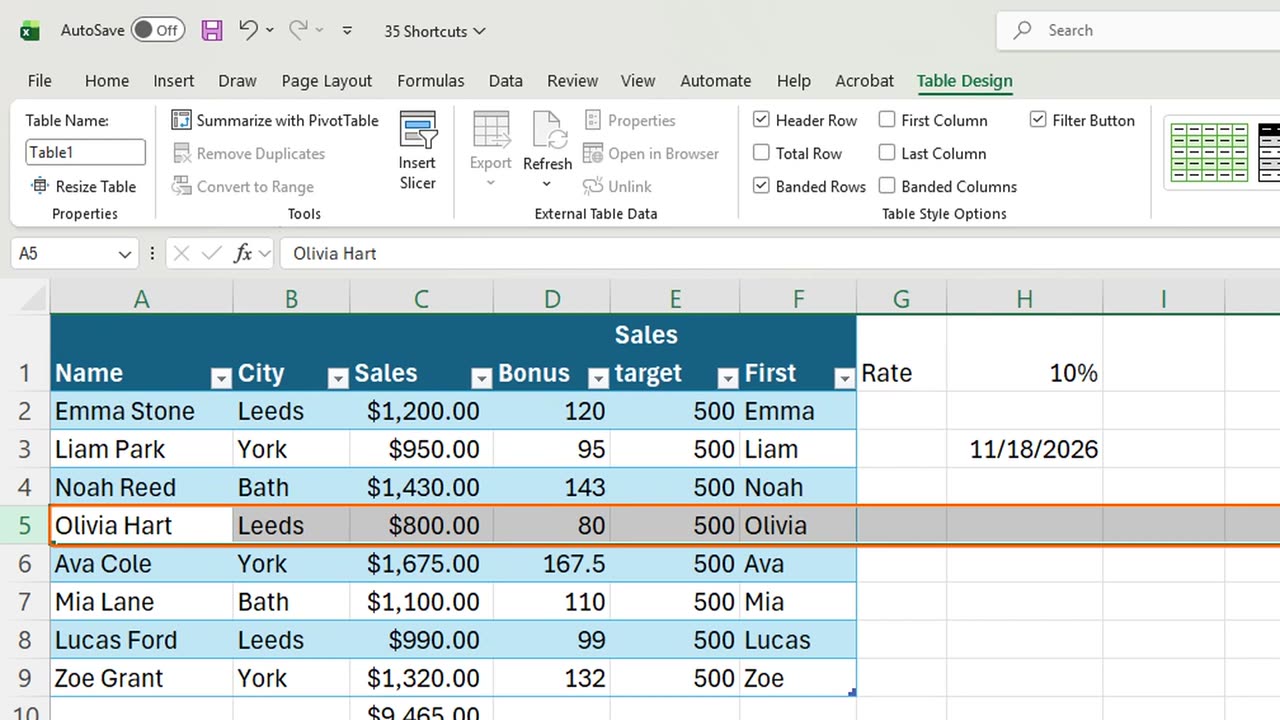
Twenty-three. Control and 9 hides a row. Control Shift 9 shows it again.
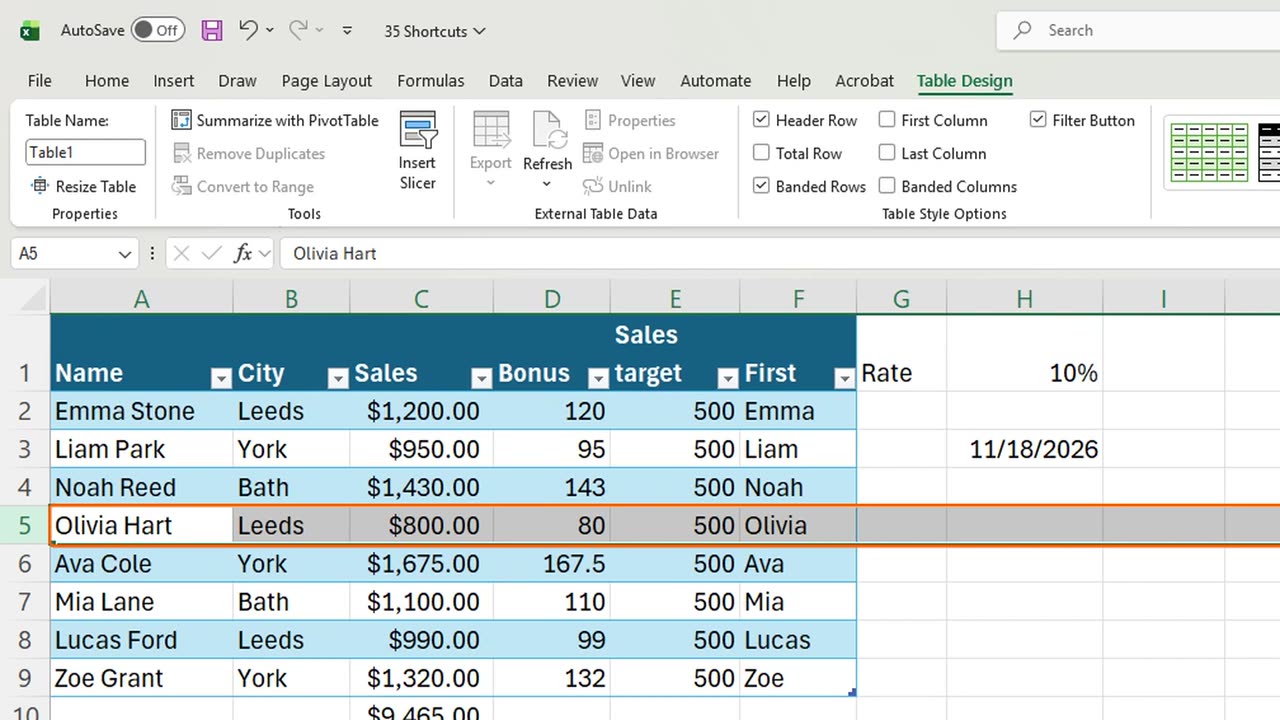
Twenty-four and twenty-five. Control Shift plus inserts a row, Control minus deletes it.
Here is the catch. Shortcuts need the right selection: Control Shift plus on a single cell asks what to shift, on a whole row it just inserts.
Shortcut: Ctrl + -
8. Recap
Recap: move with Control and the arrows, edit with F2 and Control Enter, Alt equals for sums, Control T for tables, Control 1 for formats.
In the next lesson, you will find templates, use them, and save your own.
Which shortcut do you use most? Tell me in the comments, and I will make a Short about it.
← Previous tutorial: Which Chart Should You Use? (Excel Chart Types Guide)
Next tutorial: Excel Templates: Find, Use and Create Your Own →