All tutorials
Free step-by-step Excel and Microsoft 365 tutorials, with screenshots and copyable formulas.
I have been using Excel since the very first day it came out, and before that I worked in a spreadsheet program called Lotus 1-2-3.
Start here: Excel Basics
New to Excel? Follow these lessons in order, from the first one.
Excel Screen Tour for Beginners (Ribbon, Cells, Formula Bar)Excel Basics
Excel Workbooks, Worksheets and Cells ExplainedExcel Basics
How to Enter and Edit Data in Excel (Beginner Tutorial)Excel Basics
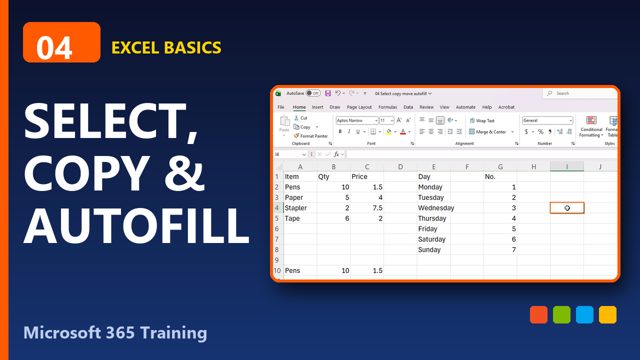
Select, Copy, Move and AutoFill in Excel (Fast Way)Excel Basics
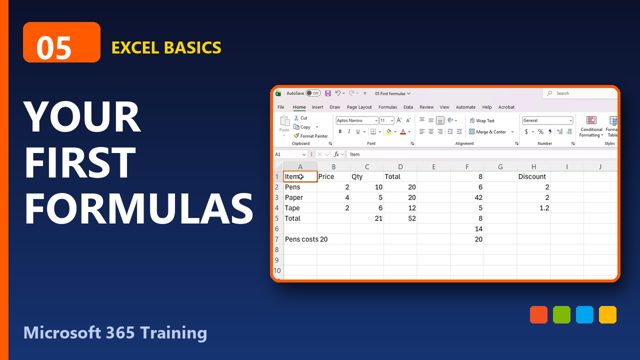
Your First Excel Formulas (Beginner Tutorial)Excel Basics
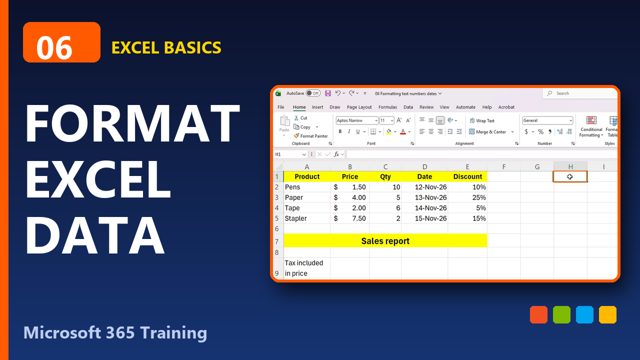
Format Text, Numbers and Dates in ExcelExcel Basics
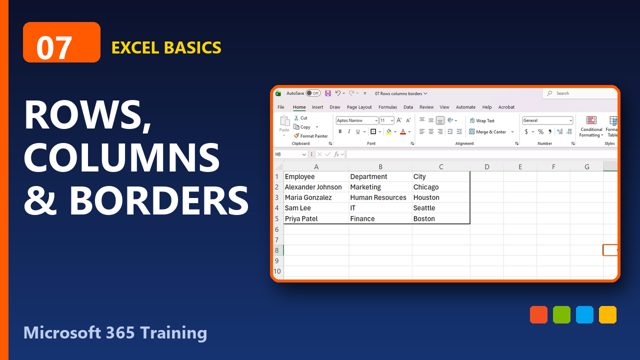
Rows, Columns and Borders in Excel (Resize, Insert, Delete)Excel Basics
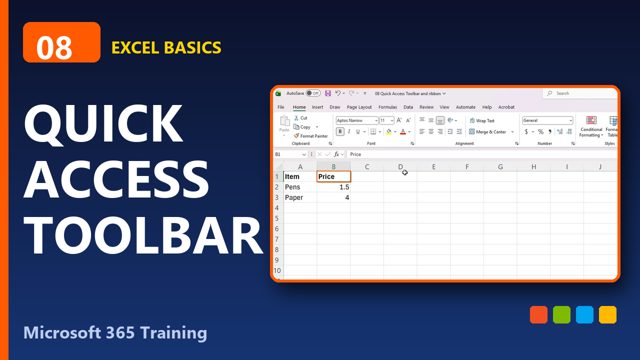
Customize the Excel Quick Access Toolbar and RibbonExcel Basics
Save, Print and Share Excel Files (Beginner Tutorial)Excel Basics
Formulas & Functions
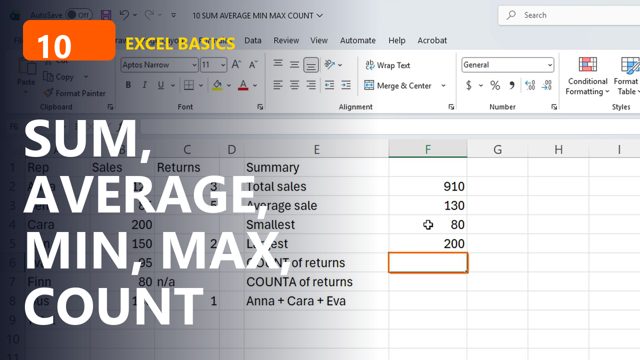
SUM, AVERAGE, MIN, MAX and COUNT in ExcelFormulas & Functions
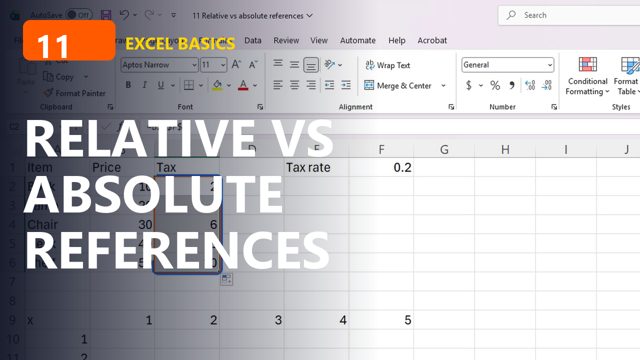
Relative vs Absolute References in Excel ($ Explained)Formulas & Functions
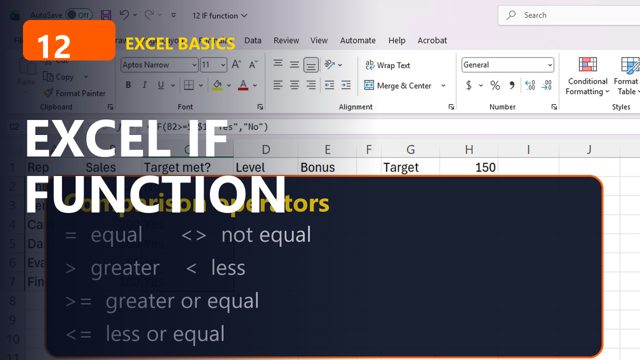
Excel IF Function for Beginners (with Examples)Formulas & Functions
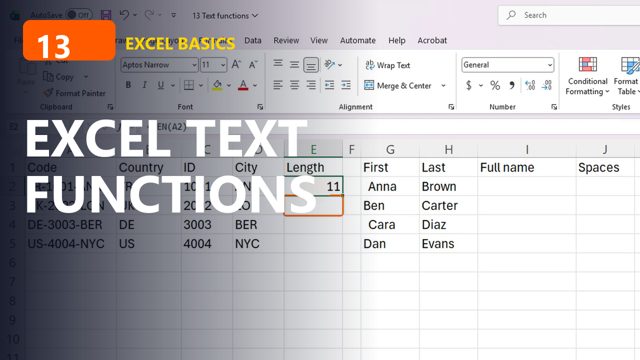
Excel Text Functions: LEFT, RIGHT, MID, LEN, TRIM, CONCATFormulas & Functions
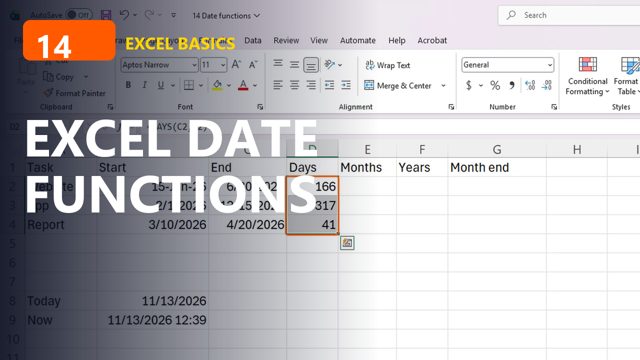
Excel Date Functions: TODAY, NOW, DATEDIF, EOMONTHFormulas & Functions
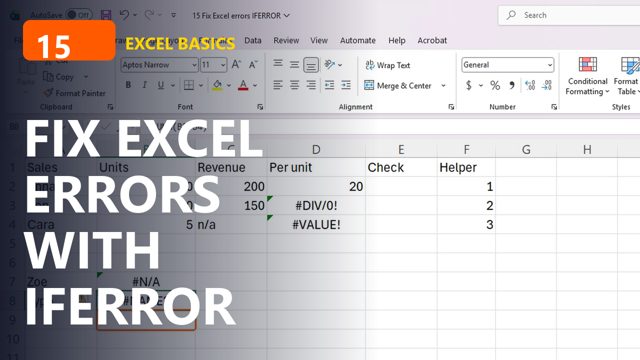
Fix Excel Errors: #N/A, #DIV/0!, #REF! and IFERRORFormulas & Functions
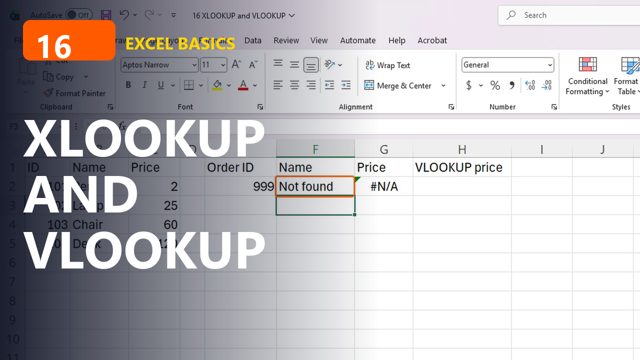
XLOOKUP and VLOOKUP in Excel (Easy Lookup Tutorial)Formulas & Functions
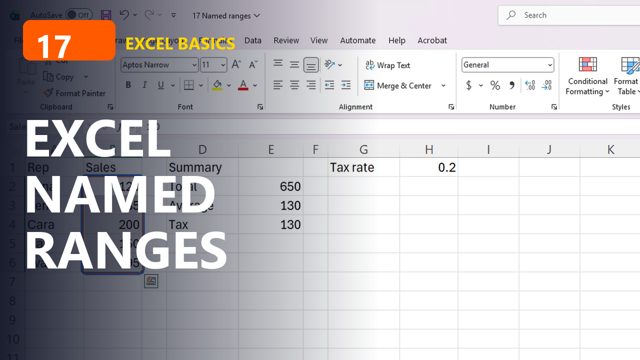
Excel Named Ranges (Make Formulas Easy to Read)Formulas & Functions
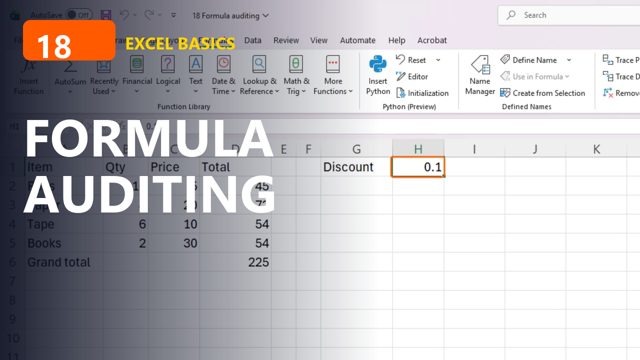
Excel Formula Auditing: Trace Precedents and Show FormulasFormulas & Functions
Excel + Copilot
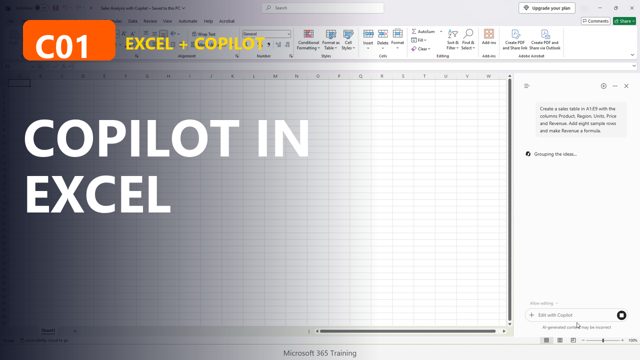
Meet Copilot in Excel: Your First PromptsExcel + Copilot
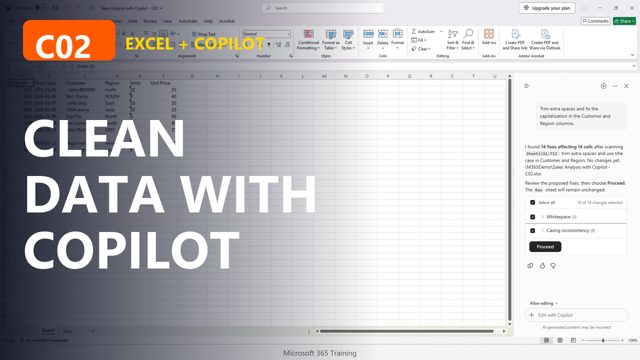
Clean Messy Data with Copilot in ExcelExcel + Copilot